Your daily essentials.
- Brew Assist, Journal and Grind Lab
- 50 free recipes
- 3 coffee-bag scans each month
- Learn, Coffee News, and Shop

 BARISTUNOBy Barista in Pajamas
Guided brewing for espresso, pour-over, and the tools you already have.
One guided brew works as a guest. Sign in only to save or sync.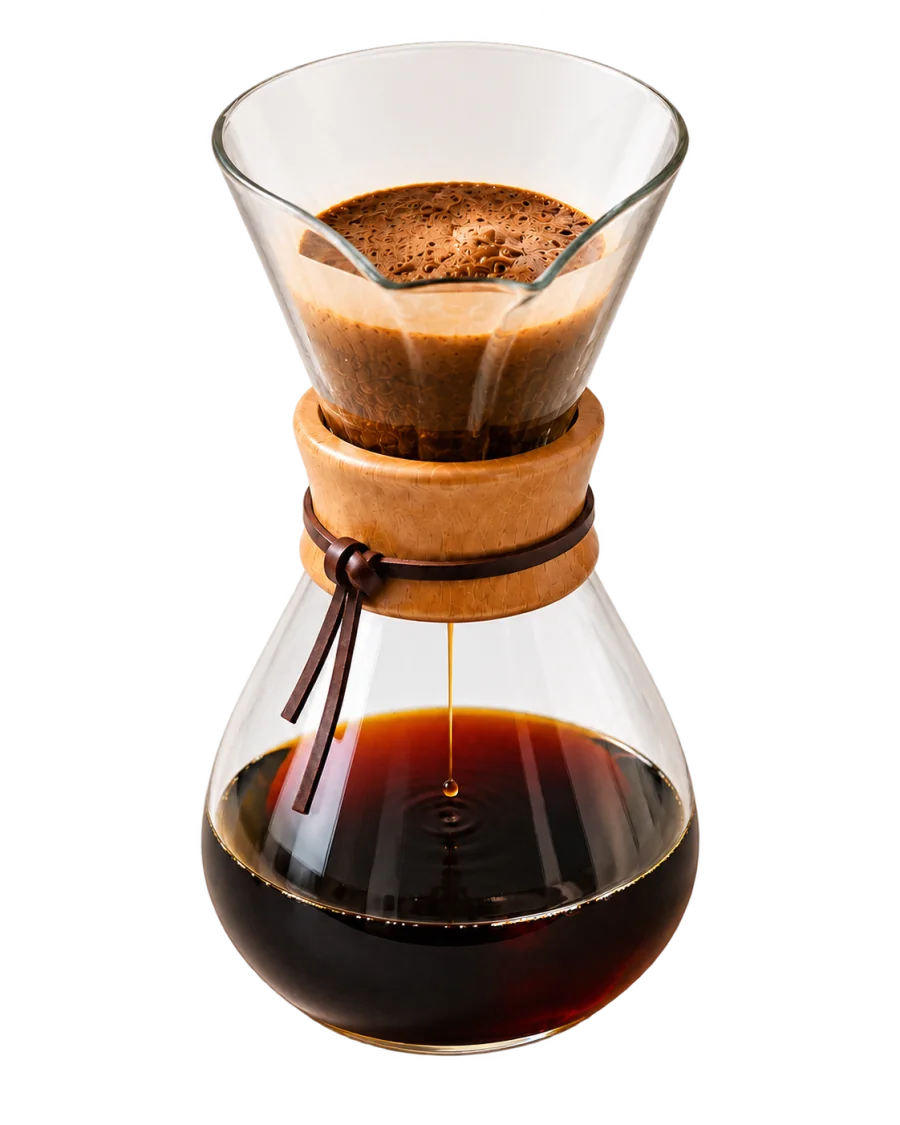
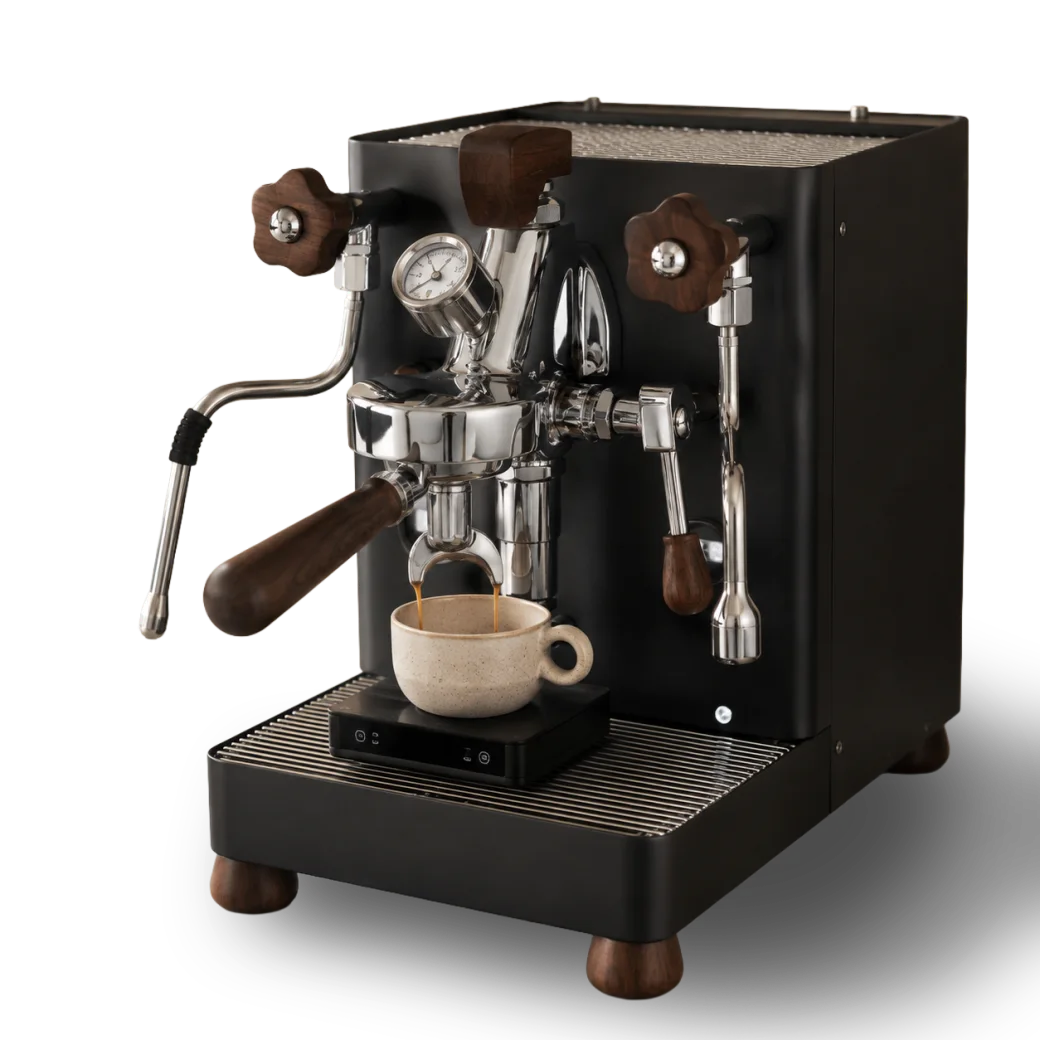
Turn every cup into a clear next move. Baristuno connects the coffee, recipe, result, and one controlled change so your next espresso or pour-over starts with evidence instead of another guess.

Keep the coffee, dose, target yield, and temperature unchanged so the next shot is comparable.
Scan the bag or enter only what matters.
Coffee PassportGet method-aware guidance or use the full controls.
Brew AssistA time, rating, and taste note are enough.
Brew historyCarry one deliberate adjustment into the next cup.
My next stepThe complete system stays one action away. No oversized mega-menu and no hunt through disconnected features.
Prepare, brew, review, and improve without an artificial lock on the essential workflow. Pro adds more choice, personal guidance, and selected member savings.
Three current stories, a careful summary, and one practical way to continue.
 BARISTUNOBy Barista in Pajamas
No account is required for one guided brew. Sign in when you want Baristuno to remember what happened and carry it into the next cup.
D50 is the middle particle size: half of the measured coffee is smaller and half is larger. Use it to compare your own settings, not as a universal perfect number.
Learn about grind distribution →BIP Coffee Particle Analyzer
Pick profiles now or after the analysis: you can change them before saving.
Before you shoot
Flavor and brew projections are heuristics from the size distribution alone. Detection floor ≈ 100 µm. Method adapted from Jonathan Gagné's open-source coffeegrindsize (MIT). Grind analysis is free without an account; saving a report needs one.
Saved analyses
Measuring your grind on this device: nothing is uploaded.
ACCOUNT
Manage your identity, membership, security, preferences, and privacy from one place.
ACCOUNT SECURITY
Open the link sent to your email. Verification protects complimentary scans and account recovery.
Your stuff
Administration
Approvals, members, messages, catalog health, and the grinder reference now live in a protected workspace outside the customer app.
BARISTUNO PRO
Sign in to manage Baristuno Pro.
Free keeps the complete daily brewing system. Pro adds contextual guidance and progress across future cups.
Compare available Pro and Pro Plus plans.
Find the membership that fits your routine.
Subscriptions renew automatically until cancelled. Web subscriptions are managed through Stripe. Apple and Google Play purchase restoration will appear with the native mobile apps. Access continues through the paid period after cancellation.
PERSONALIZATION
Tell Baristuno what you enjoy, what you brew with, and what you want to learn.
Switch at any time. This changes the layout and level of detail—not your tools, data, membership, or coffee history.
Your preference is saved on this device.
NOTIFICATIONS
Optional, private, and easy to turn off. Baristuno never includes journal notes in a notification.
Notification choices are off by default.
About you
My espresso setup
Selected grinders appear at the top of the picker when you analyze a sample.
Manufacturer-backed profiles help Brew Assist, Journal, Grind Lab, and Coffee Advisor translate “finer” into an accurate movement for your grinder. Missing specifications stay clearly unverified.
Pair once. Choose it when you brew. Baristuno remembers your preferred compatible Bluetooth scale, then lets you reconnect and select it for each brew.
Bluetooth permission stays in this browser. Brew data is saved only when you save the brew.Add a grinder
Not in the list? Add it: usable immediately in your account, and sent to the Barista in Pajamas review queue for the public list.
My coffees
Private to your account; submitted ones are reviewed before joining the public list.
Roast date and bag price are optional: add them to unlock freshness and cost-per-cup in the Log's analytics.
The mat
Security
Review your connected sign-in methods and keep account recovery current.
This browser is active. Baristuno does not collect a device list, so individual devices are never exposed here.
Use this if a device is lost or you no longer trust another session. Other sessions end when their credentials refresh.
Portability & recovery
Create a complete Baristuno backup, restore an older backup, or bring brew history from another journal. Imports merge safely and never delete existing records.
Profile, brews, coffees, recipes, experiments, water, equipment and grind reports.
Versions 1 through 7 are migrated to the current structure before anything is written.
Import Beanconqueror JSON/ZIP exports or a broadly compatible brew-history CSV.
Import is additive: matching backup IDs are updated, while journal imports create new records. Files are read on this device and are not uploaded as files. Account deletion still removes your stored data and sign-in permanently.
Legal
Terms of Service · Privacy Policy
Baristuno · Barista in Pajamas · private by default · method adapted from Jonathan Gagné's coffeegrindsize (MIT).
Brew Assist leads the next cup. Your coffee, recipes, and recent results stay close; advanced analysis remains available in Menu whenever you want it.
Need measurements or deeper analysis? Open Menu → Advanced tools. Nothing is hidden from your account.
Manual controls, measurements, comparison tools, and Brew Intelligence stay immediately visible while Brew Assist remains available.
Today
Your recent brews and active coffees will shape this space.
PRIVATE PROGRESS
Built only from your private Brew Journal. Progress is never public or ranked.
MONTHLY CHALLENGE
YOUR COLLECTION
Calculating progress from your journal…
Log a brew
Let Brew Assist lead one decision at a time, or open the complete form when you already know every detail.
BaristunoBrew Assist
Step 1 of 5
Choose the method first so Baristuno can show the right setup and timer.
Step 2 of 5
Choose an active lot or a coffee from the catalogue. Freshness and remaining weight are connected automatically for your own lots.
Step 3 of 5
Load a saved recipe or enter the essential controls for this cup.
Dose is the dry coffee; yield is the brewed coffee or water target. Their relationship controls concentration more clearly than either number alone.
Technique
Step 4 of 5
Review the plan, then open the focused timer. Finishing the timer opens one short result screen before the brew is saved.
Step 5 of 5
Capture the result while it is fresh. This is the information Brew IQ uses to make the next brew more useful.
Brew history
Find a cup, repeat it, or compare a filtered set with Brew IQ.
Recipe book
Save a method once, guide the timer from it, then brew it again without rebuilding the form.
Coffee Passport · private by default
Scan or enter the bag once. Baristuno keeps its facts, inventory, brews and best observed recipe together, without turning your private coffee into a public or affiliate listing.
Three records · three clear purposes
Your reviewed bag facts, remaining coffee, brew history and notes. Visible only to you.
PrivateSourced origin and coffee facts. Entries appear only after source review.
Explore sourced entriesAffiliate offers, roaster listings and Pro codes. A listing is never treated as evidence.
Browse partner coffeeFreshly roasted coffee releases carbon dioxide. Recording the roast and opened dates helps you recognize when the same recipe starts behaving differently.
Learn about coffee freshness →NEW · BAG SCAN
Use the front or information panel. Baristuno reads visible label facts and can verify the exact coffee on the public web. A free account is required before choosing a photo because the reviewed result is saved privately.
Monthly bag scans: Free 3 · Pro 10 · Pro Plus 30.
The photo is processed for this scan and is not stored by Baristuno.
MANUAL ENTRY
Only the coffee name is required. Add dates and weight when you want freshness and inventory guidance.
REVIEW BEFORE SAVING
AI and public search can be wrong. Correct anything that does not match the bag; only this reviewed version will enter your private shelf.
Nothing has been saved yet.
My private coffee records
Open a Passport to see what you know, what worked, and the fastest relevant next action.
Public · source reviewed
Origin and coffee facts belong here only when a roaster, producer, registry or published source supports them. Coffee & Gear availability stays separate.
Useful intelligence
Recommendations show their sample size and confidence. Baristuno describes patterns in what you logged; it does not pretend correlation is certainty.
One cup can be noisy. Confidence rises when several comparable brews point in the same direction, so repeating can be a better experiment than changing immediately.
Your rated brews, coffee, recipe and measurements. Never invented certainty.
Start with the recommendation below. It changes one variable and shows its evidence.
Experiments, optional brewing water, calibration and economics stay available as deeper tools.
Experiment mode
Choose a baseline recipe and planned values. Baristuno carries everything else forward so the result is easier to interpret.
Recommendations
Best starting points
Optional context
Save the source you use most. Baristuno can keep it attached to the brew so a later comparison does not mistake a water change for a coffee or grind change.
This is an optional consistency record, not a water-safety or machine-certification test.
Grinder calibration
Bag economics
Learn from your data
Baristuno ecosystem
Your private journal remains the centre. Devices, sharing and community are optional layers you can use independently and disconnect at any time.
Optional scale
Pair a browser-compatible Bluetooth Weight Scale service. Save it in Profile for quicker selection in Brew Assist; unsupported scales can still use manual capture.
Optional refractometer
Capture a TDS reading manually or through a serial bridge that sends a line such as TDS:1.35.
Baristuno Commons · opt in
Publish only when you choose. The Commons has no follower counts, comments, direct messages, streak rankings or public brew ratings. People can copy a recipe into their private book or report it for review.
Brew IQ
Tick up to 10 brews and read them together: what your best cups have in common, what actually moves your rating, and what to change on the next one.
Barista in Pajamas · Official recipes
Clear, repeatable recipe cards distilled from the original videos. Reposts are combined into one recipe, while every useful source video remains linked.
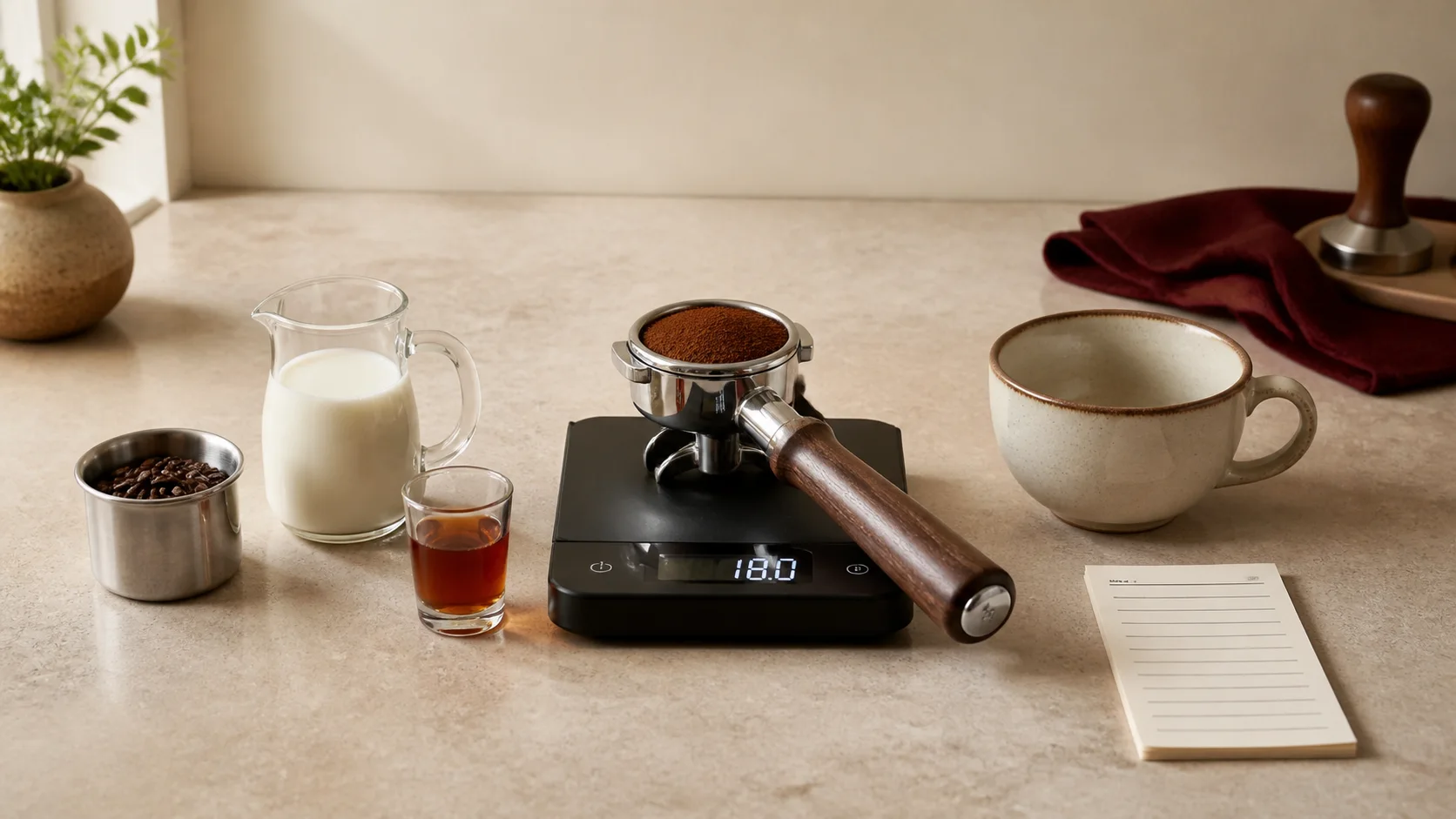
Search by drink, method or the equipment already on your counter.
Scan the target, source videos and recipe intent before you begin.
Open Brew Assist, save the result and carry one learning into the next cup.
Bean density, roast, grinder and water change the result. Follow the first brew closely, then use taste to adjust one variable.
Learn how to dial in a recipe →FREE ESSENTIALS · BARISTUNO PRO LIBRARY
Brew the 50-recipe Free collection. Baristuno Pro adds the complete library, every new release, personal matches, member conversation, and Pro Plus adds Coffee Advisor guidance.
Loading the official catalog…
Try another search or clear your filters.
PERSONALIZED FOR YOU
BARISTUNO SHOP
A focused collection of coffee gear, beans, and barista essentials, chosen for a clear purpose and explained without the clutter.
Practical picks · Clear reasons · Affiliate relationships disclosedSome product links are affiliate links, so Baristuno may earn a commission at no extra cost to you. Products are chosen independently and never ranked by commission.
PARTNER CATALOGUE · IN REVIEW
Baristuno is checking the exact product, current price, stock, delivery countries, relationship, and any discount before showing a buying link.
COFFEE BEANS · PARTNER ROASTERS
Compare origin, producer, variety, process, roast, tasting notes, harvest and the methods each coffee suits.
BARISTUNO PICKS
A focused shortlist from partner roasters.
SHOP BY NEED
Choose the job the product should do. Offers never control the order.
Loading curated coffee…
Try another search or clear the selected filters.
WHY THESE PICKS
Every item earns its place by solving a real coffee workflow problem. The explanation comes before the promotion, so you can decide with context.
COMPLETE SETUPS
Owner-curated product lists for a clear budget, routine, and experience level.
MEMBER DEALS
Public partner codes stay available to everyone. Pro members can reveal a stronger code only when a partner provides one.
Send a request. Partner listings are reviewed before they appear.
START FREE
Create a free account for the complete recipe and guide library. Upgrade only when Pro content is worth it to you.